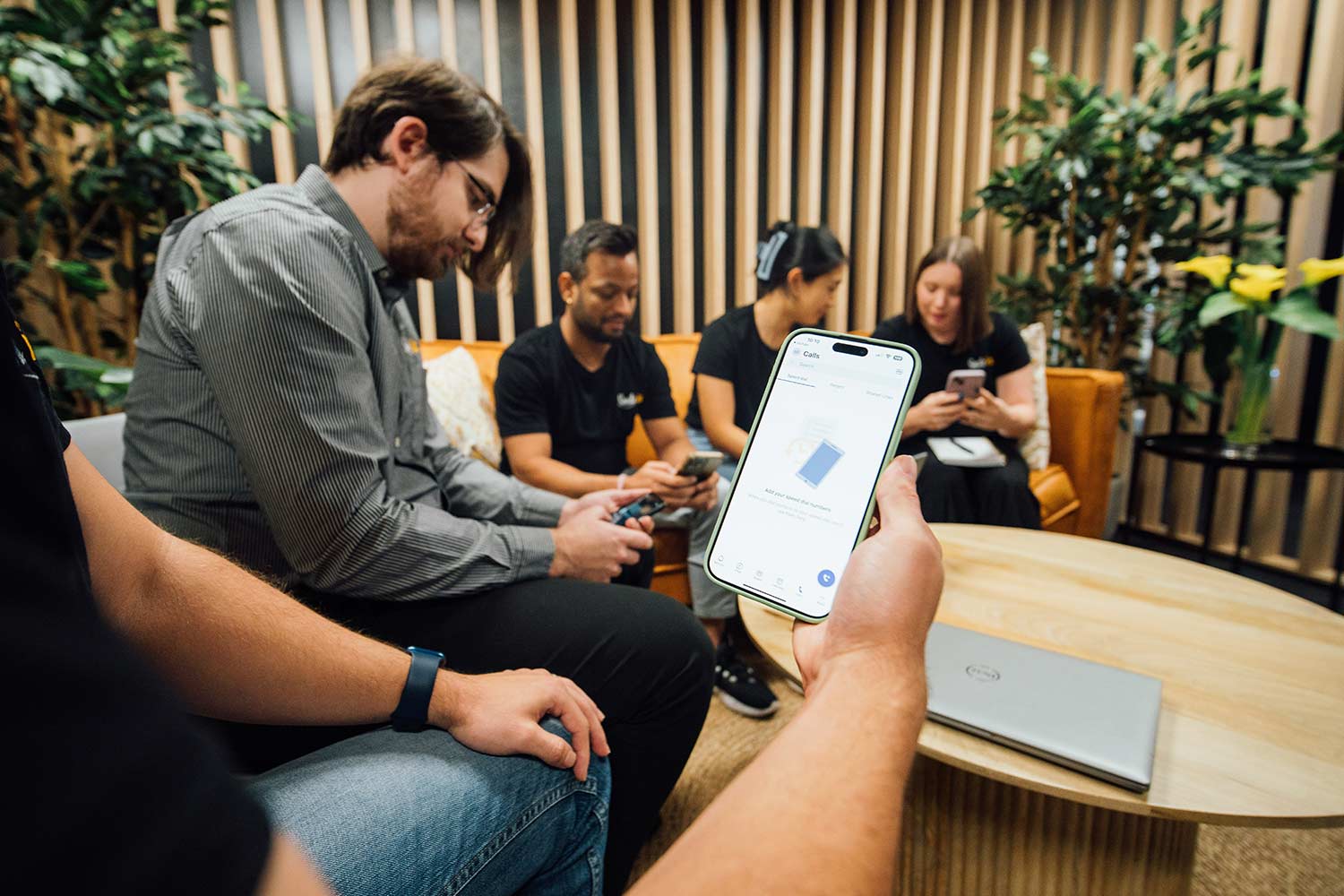
Make and receive calls from your desk phone, laptop or mobile without maintaining an office-based PBX. Add users as your team grows, manage calls across multiple locations and get local support when you need it.
With an on-premises phone system, you deal with ageing hardware, software updates, security patches and eventual replacement. System failures often need an electrician to come on site.
A cloud phone system shifts the infrastructure off-site. Maintenance and updates are handled separately, and you can easily scale your user count. Plus there’s no replacing an entire PBX when the hardware reaches end-of-life.
Could Your Business Be Better Connected?
Book a review with SmileTel and we’ll take a practical look at your phone systems, internet, mobile and networks. We’ll identify what’s working and what gaps need to be filled in.
Every business handles calls differently. We look at who needs a phone, how often it rings and where your people work, then build a setup that fits.
Lots of phones, fewer calls
Warehouses, workshops and back-of-house teams often need plenty of handsets without making many calls. Instead of charging for every phone on the wall, we can licence unlimited users and base the cost on the calling capacity you use. For the right business, that can mean a significant saving.
Lots of people, lots of calls
For busy teams, per-user licensing gives everyone access to call queues, auto-attendants, voicemail and hunt groups. You can also bring calling, video and messaging together in the same platform.
A team that is rarely at a desk
Field staff, trades and agents need business calls to follow them. A mobile-first system keeps your business number with you and can add AI transcription, call summaries and sentiment analysis through the app.
What’s Included With Your Cloud Phone System
Auto-attendants, call queues, ring groups and hunt groups
Call routing for business hours, after-hours and public holidays
Voicemail delivered to email, with transcription where required
Desktop and mobile softphones using the same extension as your desk phone
Pre-configured Yealink handsets delivered ready to connect
Number porting managed from start to finish by our team
Optional call recording and analytics added when you need them
There are two ways to pay for calls with your cloud phone system.
Included Calls gives you a predictable monthly charge covering local, national and mobile calls across Australia and New Zealand. It suits most businesses with regular call volumes.
Pay As You Go charges for each call with no connection fees. It may work out better for businesses that make fewer calls or experience large changes in volume.
One option applies across your entire account, so the packs cannot be mixed. We’ll compare them against your current call records and show you which is likely to offer better value before your new system goes live.
Let’s Find the Right Setup for Your Team
Send us a month of call records or tell us how your team handles calls. We’ll recommend a cloud phone setup that fits, then provide clear pricing, usually on the same business day.